The most expensive problem you can’t see
Ask any store owner what’s hurting revenue and they’ll name the obvious things: ad costs, shipping, discounts. Almost nobody names the silent one — inventory blind spots. A product goes out of stock and quietly stops converting. A variant was never set to track inventory, so it oversells. A dozen SKUs sit at “1 left” with no reorder trigger. None of it shows up as an alarm. It shows up as revenue that simply never arrives.
The problem isn’t that store owners don’t care. It’s that the answer lives three or four clicks deep in an admin panel, one location and one variant at a time. Nobody checks it daily. So the leak runs for weeks.
What “blind spot” actually looks like
We connected datavessel to a live Shopify catalog and asked one question: what’s the real inventory health right now? In a catalog of 28 variants, here’s what surfaced in seconds:
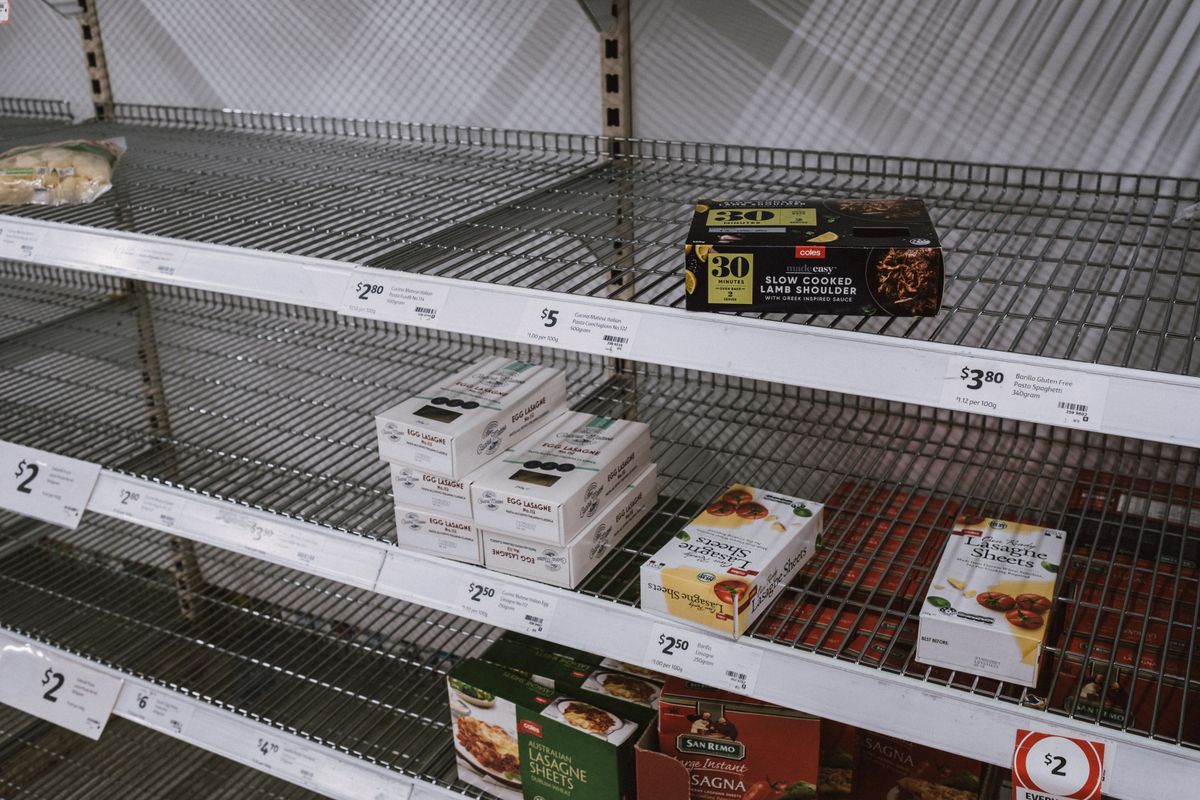
- 5 variants completely out of stock (0 available) — live on the storefront, converting nobody.
- 9 variants critically low (1–10 units) — one good day from selling out with no reorder flag.
- 1 variant with inventory tracking switched off — the classic oversell waiting to happen.
That’s half the catalog in a risk state, none of it obvious from the sales dashboard. This is exactly the kind of thing you’d never catch by eyeballing your admin — but it’s a 10-second answer when the data comes to you.
Why the usual tools don’t catch it
Your analytics tell you what did sell. They’re silent about what couldn’t sell because it wasn’t there. Stockouts are invisible in revenue reports by definition — the missing sale leaves no trace. And low-stock and untracked-inventory problems require you to go looking, proactively, on a schedule nobody keeps.
Close the leak: ask your store a question
This is where datavessel changes the workflow. Instead of clicking through Shopify (or WooCommerce, or Shopware) panel by panel, you ask in plain language — from your terminal, your phone, or an agent — and the answer comes back structured:
- “Which variants are out of stock or under 10 units?”
- “Flag anything with inventory tracking disabled.”
- “Give me today’s inventory health across all locations.”
datavessel reads directly from your store’s inventory across every location and hands back the at-risk list — no dashboard spelunking, no per-SKU clicking. Because it’s an agent-friendly interface, you can also schedule it: a morning check that pings you the moment a SKU drops below threshold or an untracked variant appears. The leak gets caught the day it starts, not the month it’s noticed.
The takeaway
Inventory blind spots are the cheapest problem to fix and the easiest to ignore — because nothing tells you they exist. The fix isn’t more dashboards. It’s making your store answer a direct question, on a schedule, in language you’d actually use. Connect your store to datavessel and the first question to ask is simple: what’s out of stock right now? You may not like the answer — but you’ll finally have it.
Ready to see your store’s inventory health in one question? Connect your store to datavessel and ask.
Leave a Reply