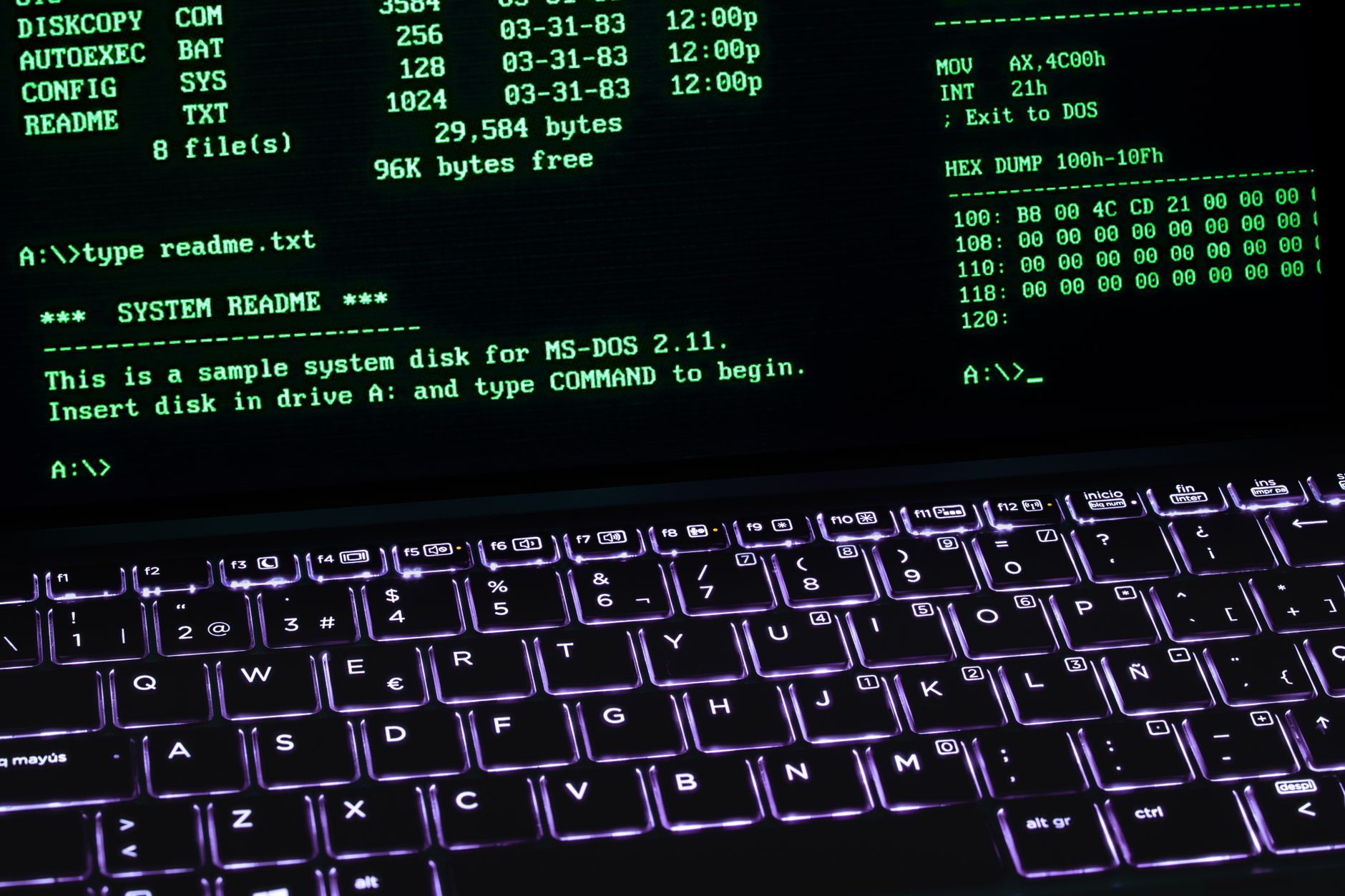
An e-commerce CLI is a command-line interface for operating an online store — querying sales, analytics, inventory, and search data, and executing store changes, from the terminal instead of a dashboard. It’s the operations counterpart to developer CLIs: where Shopify CLI builds themes and apps, an e-commerce CLI answers “what sold yesterday, why did traffic dip, which products need fixing” — and then fixes them, with writes gated behind explicit confirmation. One command line, every system your store runs on.
The category is new for the same reason e-commerce autopilot is new: AI agents made the terminal the default cockpit for serious operators again, and store operations followed. If you (or your agents) already live in a terminal, your store belongs there too.
E-commerce CLI in one sentence
A typed command line over your whole commerce stack — stores, analytics, ads, search, email — where reads stream freely, writes ask first, and every command is scriptable.
Why the terminal, and why now
Dashboards are built for looking; terminals are built for doing. Four forces just made that distinction matter for commerce:
- Operators went terminal-native again. AI coding tools normalized living in the shell for a generation of founders and ops engineers. The context switch to seven browser tabs now feels like the anomaly.
- Scriptability compounds. A CLI command composes:
--jsonoutput pipes intojq, loops, cron jobs, CI pipelines, and shell scripts. A dashboard click composes with nothing. Every question you answer in a terminal is onehistory | grepaway from being automation. - AI agents speak CLI natively. Claude Code and its peers drive command-line tools better than any GUI. A store with a CLI is a store your agents can operate; a store without one is a screenshot.
- Multi-store reality. Agencies and multi-brand operators asking the same question of five stores need a loop, not five logins.
What an e-commerce CLI is not (the Shopify CLI question)
The established “commerce CLI” tools are developer CLIs: Shopify CLI scaffolds apps and pushes themes; platform SDKs manage deployments. Superb tools — for building on a platform. They cannot tell you what sold yesterday, and they were never meant to.
| Developer CLI (Shopify CLI etc.) | E-commerce CLI | |
|---|---|---|
| Audience | App & theme developers | Store operators, agencies, agents |
| Verbs | scaffold, push, deploy | query, diagnose, update, run |
| Sees | one platform’s dev surface | the whole operating stack |
| Typical command | shopify theme push |
dv run get_top_queries --days 30 |
“E-commerce CLI” names the second column. Both can live on the same machine; only one runs the business.
What it looks like in practice
Real commands from a real catalog (datavessel’s CLI — npm install -g datavessel-cli, aliased dv):
dv run run_report --property-id 123 --metrics sessions --metrics conversions
dv run get_top_queries --site-url "sc-domain:yourstore.com" --days 30
dv run analyze_keyword_opportunities --site-url "sc-domain:yourstore.com"
dv run sw_admin_list_low_stock --threshold 5
dv --json run list_sites | jq '.[].site_url'
Reads like these stream back instantly. Writes are different by design:
dv run wp_update_post --post-id 42 --title "New title"
✗ 'wp_update_post' is a write tool; refusing to run non-interactively without --yes.
That refusal is the point: the approval gate followed you into the terminal. Interactively you confirm per command; in scripts, --yes is an explicit, auditable choice you typed — never a default. It’s the same read/write discipline the whole e-commerce harness enforces, in shell form.
The live catalog: why a good e-commerce CLI has no versioned commands
The wrong way to build one is hardcoding subcommands — obsolete the day a platform adds a field. The right way: the CLI generates its commands from a live, typed tool catalog. datavessel’s pulls every tool’s JSON Schema from the backend and turns each into flags, help text, and validation — so when a tool is added or changed server-side, the CLI picks it up with no release. Today that’s 240 tools (177 read, 63 write) across Shopify, WooCommerce, Shopware, GA4, Search Console, Google and Meta ads, Klaviyo, WordPress, Slack, and more. The same catalog powers the MCP server — one tool surface, two doors: MCP for AI clients, CLI for you and your scripts.
Agents in the terminal
The CLI isn’t only for typing commands yourself — it’s the operations surface for agents:
- Run and schedule agents from the shell: trigger an agent run, read its report, script a fleet of them across brands. Our own content launch ran this way — an agent publishing posts while the CLI verified results.
- Headless auth for CI and cron:
dv init --api-key "$DATAVESSEL_API_KEY"and a pipeline can pull yesterday’s numbers into a report, or a cron job can run the weekly audit, no browser in sight. - Claude Code plugin:
/plugin marketplace add djr4/datavessel-cliinstalls the skill and agent hierarchy, so a coding agent in your repo can also work your store — same tools, same gates. - AEO from the shell: the entire answer-engine measurement loop — GSC pulls, citation scans, executed fixes — runs as commands: AEO from the command line.
Five one-liners that replace an afternoon
Composability is the argument that’s hard to feel until you see it. Each of these is a real workflow that’s a meeting, an export, or an afternoon in dashboard-land:
- The cross-store health sweep —
for s in brand-a brand-b brand-c; do dv --json run get_top_queries --site-url "sc-domain:$s.com" --days 7; done— the same question asked of every store you run, answered before your coffee cools. - The Monday numbers, delivered — the weekly report as a cron line piping
--jsoninto a formatter and onward to Slack. Nobody compiles it; it exists. - The pre-launch checklist — a script that verifies stock levels, page metas, and ad status before every product drop, exiting non-zero if anything’s off. Launches stop depending on memory.
- The stale-content finder — top pages from Search Console joined against modification dates:
dv --json run get_top_pages ... | jqand you’re staring at your refresh list. - The CI gate for content — in a pipeline, pull CTR opportunities monthly and open an issue per finding. Your backlog fills itself with evidence instead of opinions.
None of these required a feature request. That’s the point of a command line: the features are yours to compose.
What to demand from an e-commerce CLI
If the category is new, the standards shouldn’t be. Any e-commerce CLI worth adopting:
- Types every command — schema-derived flags with real help text, not string-blob arguments.
- Labels reads and writes — and refuses writes without explicit confirmation, interactively and in scripts.
- Speaks
--jsoneverywhere — output that pipes is the product; pretty tables are garnish. - Authenticates like an adult — OAuth or scoped keys, revocable server-side, never a password in an env var.
- Stays current without releases — a live catalog, so platform changes don’t strand your scripts.
- Shares its ledger — terminal actions land in the same audit trail as every other surface. A CLI that’s off the books is a liability with tab-completion.
Six lines, and you can evaluate anything in the category — including ours.
Who the e-commerce CLI is for
- Technical founders who ask their store questions all day and hate the tab carousel.
- Agencies and multi-brand operators who need the same diagnosis across N stores — as a loop, not an afternoon.
- Ops and growth engineers wiring store data into scripts, sheets, and CI.
- AI-agent builders who want their agents operating a store through typed, gated commands instead of screen-scraping.
- Not for: anyone allergic to a prompt. The chat, mobile, and MCP surfaces exist for exactly that reason — same brain, different doors.
Getting started (five minutes, honestly)
npm install -g datavessel-cli(Node ≥ 20.11) — installsdatavesseland thedvalias.dv login— browser OAuth; no keys to paste. (Headless:dv init --api-key ....)dv init— verifies auth, syncs the catalog, reports which providers are connected.dv tools list— browse what your store can do;dv tools show <tool>for any tool’s flags.- Ask your first real question:
dv run get_top_queries --site-url "sc-domain:yourstore.com" --days 28.
The full hands-on walkthrough — a morning store check in 90 seconds of terminal time — is here: run your store from the terminal.
Running more than one store? The multi-store operations guides go deep per platform: Shopify · Shopware · WooCommerce.
Frequently asked questions
Is this the same as Shopify CLI?
No — Shopify CLI is a developer tool for building themes and apps. An e-commerce CLI is an operations tool: sales, analytics, inventory, search, and gated store changes. Different column, different job (table above).
Do I need to be a programmer?
You need to be comfortable typing commands — that’s all. The flags are generated from schemas with real help text, and dv setup walks you through connection. If that’s still a no, use the chat or mobile surfaces instead; the CLI is a door, not a toll.
Is it safe to give a terminal write access to my store?
Safer than a browser tab, arguably: reads flow, writes refuse to run without explicit confirmation (--yes never defaults on), every call is logged to the same ledger as every other surface, and auth is a revocable OAuth grant — no passwords in your shell history.
How is the CLI different from the MCP server?
Same tool catalog, different door: MCP is how AI clients (Claude, Cursor) connect; the CLI is how you and your scripts connect. They share permissions, auth, and the ledger, so nothing depends on which door was used. Most technical operators end up using both without thinking about it.
What does it cost?
The CLI itself is free and open source; it drives your datavessel account, which has a free tier and a 14-day full trial. Tool-call quotas follow your plan.
Does it work with WooCommerce and Shopware, or just Shopify?
All three, plus the stack around them — GA4, Search Console, ads platforms, Klaviyo, WordPress, Slack. The catalog is provider-scoped: connect a source and its tools appear.
The bottom line
The e-commerce CLI is what happens when store operations meet the terminal-native era: every question a command, every command scriptable, every write gated, and the same tool catalog your AI agents use. Developer CLIs build stores; this one runs them.
Install it, connect a source, ask your first question — the datavessel CLI →
Leave a Reply