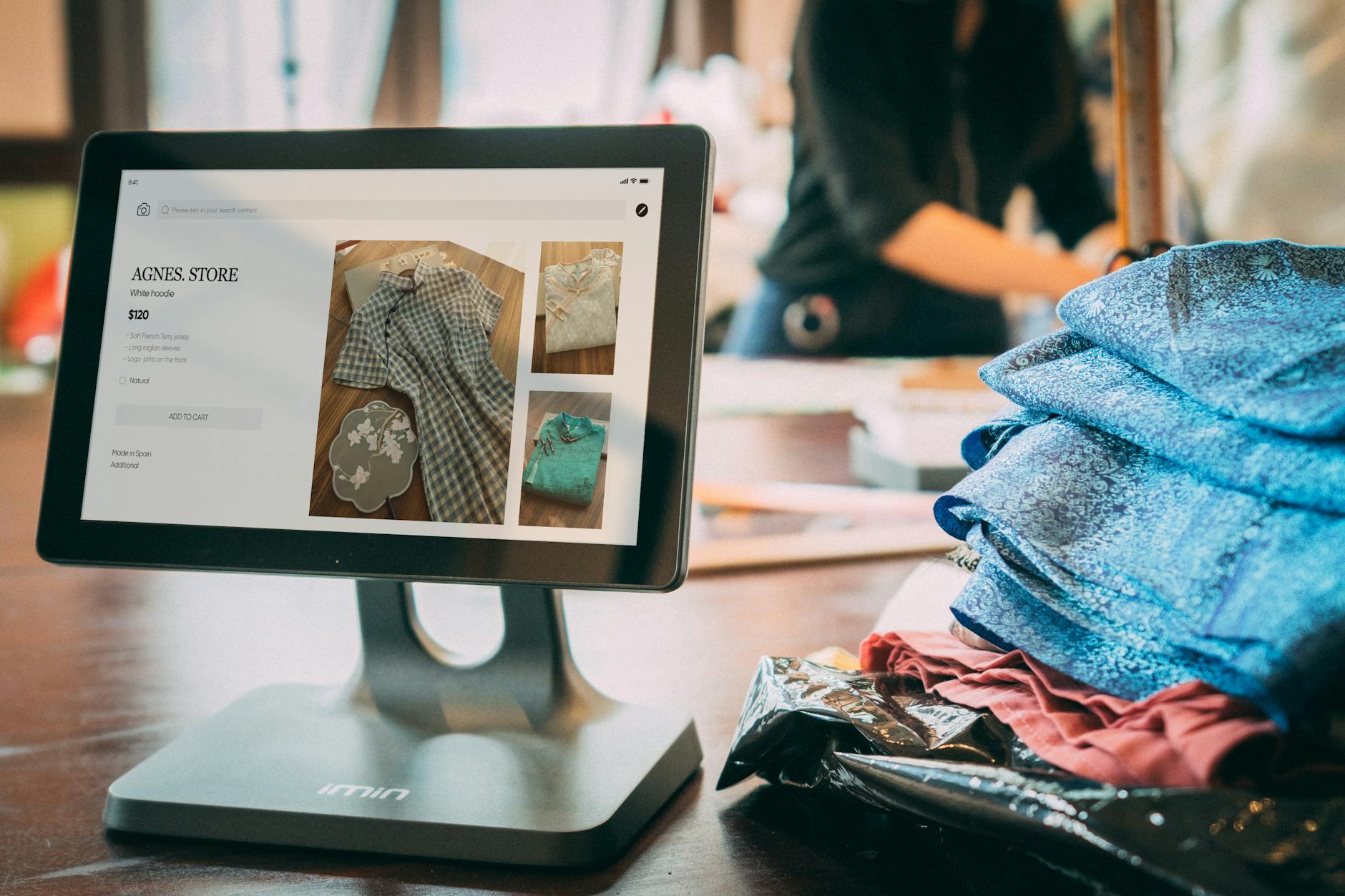
If you’re searching “Secret Sales Shopify integration,” you probably mean the Secret Sales marketplace connector: Shopify sends products, stock, prices, and tracking to Secret Sales, while marketplace orders and refunds flow back into Shopify.
That sounds simple until something silently fails. In our Search Console data, “secret sales shopify integration” has 95 impressions in the last 30 days, 0 clicks, and an average position of 13.7. The ranking pages explain what their connectors sync, but merchants still need the missing operator layer: what to verify, what breaks, and what to monitor in Slack before oversells, missing orders, and payout surprises reach customers.
Quick disambiguation: “Secret Sales” can also mean a private or members-only sale on your Shopify storefront. If that’s your goal, jump to Private-sale “secret sale” on Shopify.
What the Secret Sales Shopify integration should sync
Secret Sales is commonly handled as a marketplace integration layer, often through a Shopify Connector, a Mirakl-based workflow, an aggregator, or a direct API setup. Whatever path you use, do not treat “connected” as “working.” Treat every sync direction as a separate workflow you can test.
| Workflow | Direction | What to verify | Failure signal |
|---|---|---|---|
| Products / listings | Shopify → Secret Sales | Titles, images, variants, SKUs, product data | Some variants missing or rejected |
| Inventory + prices | Shopify → Secret Sales | Top SKUs show the same available quantity and price | Oversells, stale stock, wrong promo price |
| Orders | Secret Sales → Shopify | Marketplace orders import with line items, tax, shipping, and customer details | Sales exist in Secret Sales but not Shopify |
| Fulfillment + tracking | Shopify → Secret Sales | Carrier, tracking number, and shipped status sync back | “Where is my order?” tickets rise |
| Refunds / cancellations | Usually both directions | One system is the source of truth; the other mirrors it | Duplicate refunds or inventory not returned |
| Settlements / payouts | Marketplace → finance system | Orders, fees, refunds, and payouts reconcile | Deposits do not match expected net sales |
Connector vendors now highlight near-real-time or 15–30 minute sync windows. That is useful, but it is not a guarantee. If one SKU mapping, warehouse location, carrier code, or refund rule is wrong, a fast sync just spreads the wrong data faster.
Shopify Connector vs Mirakl workflow vs aggregator
The current SERP for this query is mostly connector and marketplace vendor pages. They use slightly different language, but most Secret Sales setups fall into four patterns.
| Integration path | Best for | What to watch |
|---|---|---|
| Secret Sales Shopify Connector | Merchants who want no custom development and use Shopify as the operating hub | SKU mapping, Shopify location mapping, order import failures, tracking sync |
| Mirakl-based workflow | Teams where Secret Sales orders, refunds, and offers move through a Mirakl marketplace layer | Order status filters, accepted orders, refund mirroring, stock by shop/location |
| Aggregator / iPaaS connector | Brands selling across multiple marketplaces, not just Secret Sales | Debugging becomes harder because Shopify, connector, marketplace, and accounting all have partial truth |
| Direct API | High-volume teams with technical ops support | You own retries, throttling, logs, and failure alerts |
Simple decision rule: start with the Shopify Connector or an aggregator you already trust unless you have an ops engineer who can own marketplace reliability. The more custom your setup, the more important monitoring becomes.
Secret Sales Shopify Connector: Setup → Verify → Monitor
This is the 10-minute checklist most landing pages skip. Run it after launch, after catalog changes, and before any major promo window.
- Listings: confirm products and variants appear in Secret Sales with the right titles, images, attributes, and SKUs.
- Inventory and price: pick 5 high-velocity SKUs and compare Shopify stock/price with what Secret Sales shows.
- Orders: place or inspect one recent order and confirm it imports into Shopify with line items, taxes, shipping, and customer details.
- Tracking: fulfill that order and confirm carrier, tracking number, and shipped status sync back to Secret Sales.
- Refunds/cancellations: confirm where refunds start and where they mirror so your team does not double-refund.
- Settlements/payouts: confirm your reconciliation path from order total → marketplace fees → refunds → payout deposit.
What to check first when Secret Sales sync breaks
Start with the symptom, not the connector UI. The UI can say “connected” while one workflow has stopped.
- If inventory is wrong: use Shopify Marketplace Inventory Not Syncing: Fixes + Monitoring.
- If orders are missing or tracking is not syncing: use Marketplace Order Sync Monitoring: Shopify Troubleshooting + Alerts.
- If payouts do not match sales: use Shopify Payout Reconciliation: A Practical Guide + Slack Alerts.
The failure-modes table
Most marketplace integrations do not fail with a clean error message. They fail as a business symptom: missing orders, oversells, refund spikes, or finance mismatches.
| Failure mode | What you see | Root cause | Fix / prevention |
|---|---|---|---|
| SKU mapping mismatch | Products do not list, or only some variants list | Duplicate SKUs, missing SKUs, inconsistent variant naming | Enforce one unique SKU per variant; test a small product set first |
| Multi-location inventory conflicts | Secret Sales stock differs from Shopify stock | Wrong Shopify location used as source of truth | Choose one sellable location or stock rule and monitor drift on top SKUs |
| Orders not importing | Marketplace sales exist but Shopify orders are missing | Order-status filters, address/tax/shipping mapping, missing products | Run an orders expected vs orders imported check at least daily |
| Tracking not syncing back | Customers ask where their order is after Shopify fulfillment | Carrier mapping, fulfillment event, or webhook/polling issue | Standardize carrier names and alert on shipped orders missing tracking |
| Refund / cancellation drift | Refunds duplicated, missed, or inventory is not returned | Refund started in two systems or mirrored late | Define one refund source of truth and reconcile refund spikes weekly |
| Payout mismatch | Deposit does not match expected net sales | Fees, refunds, timing, holds, or settlement export differences | Use marketplace payout statements as finance truth and alert on net payout variance |
Slack alert spec for Secret Sales + Shopify
The fastest way to catch silent failures is to turn connector health into a short Slack message. A useful alert includes the metric, the threshold, the affected SKUs or orders, and the first action to take.
| Alert | Suggested threshold | First action |
|---|---|---|
| Order import stopped | 0 Secret Sales orders imported in 24h when the 7-day baseline is above 0 | Check connector order-status filters and rejected orders |
| Inventory drift | Top SKU stock differs materially between Shopify and marketplace | Check SKU mapping and Shopify location source |
| Unfulfilled backlog spike | Unfulfilled marketplace-tagged orders exceed 1.5× baseline | Check order imports and fulfillment app status |
| Tracking missing | Fulfilled orders have no tracking after 6 hours | Check carrier mapping and fulfillment event timing |
| Refund spike | Refund count or value is more than 2× baseline | Check oversells, wrong listings, and refund source of truth |
| Payout anomaly | Net payout percentage leaves your normal fee/refund band | Reconcile orders, refunds, fees, holds, and deposits |
If your team lives in Slack, DataVessel can run these checks as scheduled agents across Shopify and related sources, then post the answer in plain English. Instead of opening three dashboards, you ask: “why did Secret Sales orders drop yesterday?” or “which SKUs are at oversell risk?” and get numbers back.
Private-sale “secret sale” on Shopify
If your goal is a private sale experience on your own Shopify storefront, this is a different intent. Common options are:
- Password-protected pages: fast, but passwords leak.
- Customer-tag gated collections: best for VIP programs using Shopify customer tags.
- Discount code + hidden collection: useful for invite-only promos and campaign tracking.
- B2B catalogs: best when different buyers need different price lists.
Frequently Asked Questions
What is the Secret Sales Shopify integration?
The Secret Sales Shopify integration connects Shopify with the Secret Sales marketplace so products, inventory, prices, orders, tracking, refunds, and sometimes payout data stay aligned. The setup path may be a Shopify Connector, a Mirakl workflow, an aggregator, or a direct API integration.
Is Secret Sales a Mirakl marketplace?
Secret Sales is commonly handled through marketplace integration workflows that reference Mirakl-style order, offer, refund, and stock flows. If your connector uses Mirakl, verify order status filters, refund mirroring, stock location rules, and tracking updates separately.
How often should Secret Sales and Shopify sync?
Connector pages often describe near-real-time, webhook, or 15–30 minute sync windows. The exact cadence matters less than monitoring whether key workflows are moving: orders importing, stock updating, tracking syncing, and refunds reconciling.
Why are Secret Sales orders not appearing in Shopify?
The most common causes are SKU mapping problems, order-status filters, address or tax mapping issues, missing products, or connector/API failures. Compare “orders expected” in the marketplace against marketplace-tagged Shopify orders and review rejected orders first.
How do I prevent oversells on Secret Sales?
Use unique SKUs, correct Shopify location mapping, safety stock buffers for high-velocity SKUs, and an inventory drift alert. The alert should flag top SKUs when Shopify stock and marketplace stock diverge.
Recommended reading
- Marketplace Order Sync Monitoring: Shopify Troubleshooting + Alerts
- Shopify Marketplace Inventory Not Syncing: Fixes + Monitoring
- Shopify Payout Reconciliation: A Practical Guide + Slack Alerts
- How to Connect Shopify to Claude and Query Your Store Data
- Automate Your Data Intelligence with Scheduled Agents
Leave a Reply