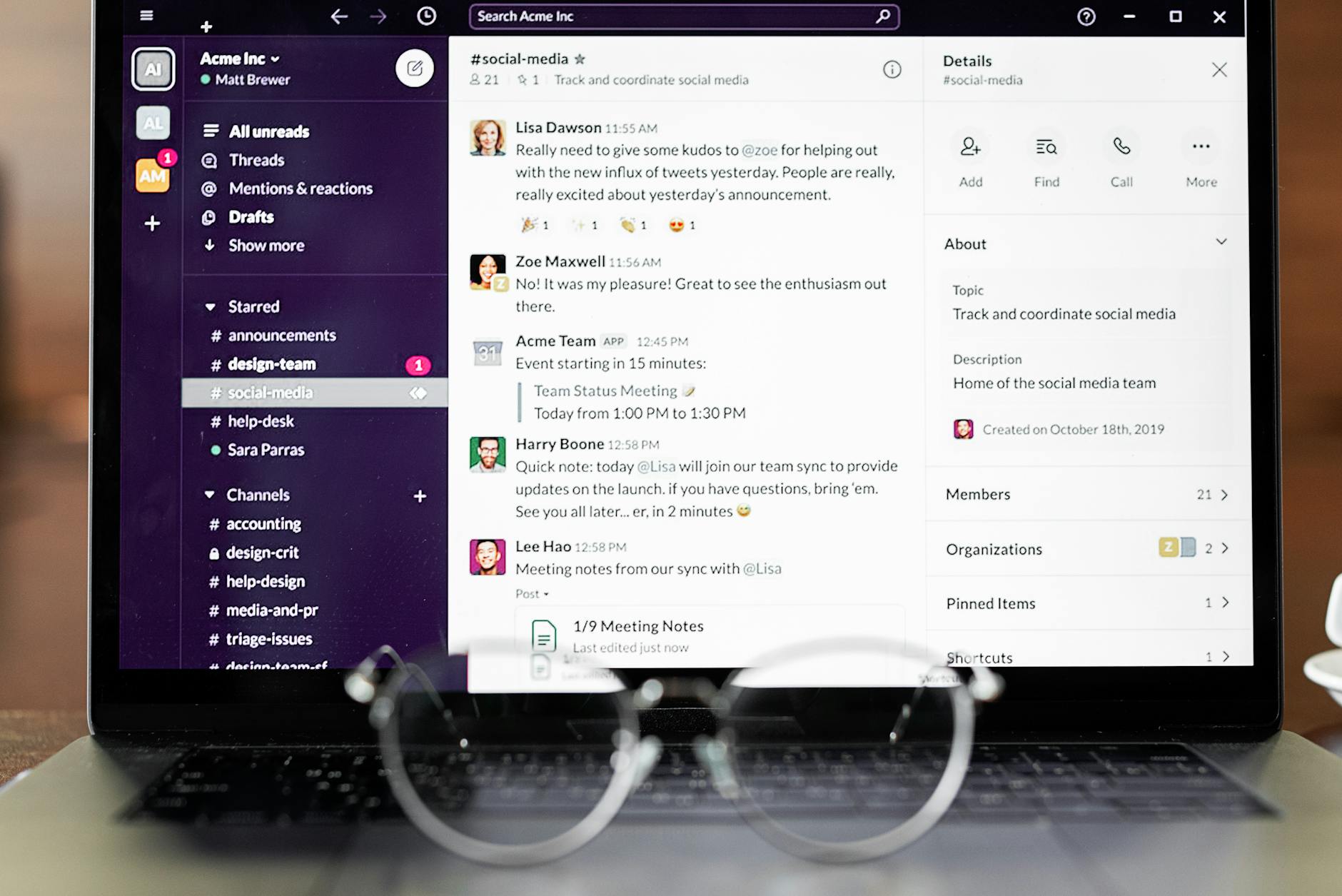
A Slack analytics bot is a Slack app that pulls metrics from tools like Shopify, GA4, and Google Search Console and posts answers, scheduled reports, and anomaly alerts in your channels—so you stop context-switching across dashboards.
If your team already lives in Slack, analytics should live there too. The best Slack analytics bots do three things well: (1) answer questions in plain English (“What changed since yesterday?”), (2) send scheduled KPI digests, and (3) alert you only when something breaks (traffic drops, revenue dips, indexing issues). This guide shows the use cases that actually matter, how to set one up, and what to look for if you’re evaluating tools.
Slack analytics bots are also a common first step toward AI agent productivity, because they move recurring data checks out of dashboards and into agent-run workflows your team can review in Slack.
Copy/paste templates (so you can ship this today):
- Weekly KPI Report in Slack: Template + Automation
- Monthly KPI Report in Slack: Template + 30-Minute Close Workflow
- Marketing Weekly Report Template for Slack (Copy/Paste + Automation)
What is a Slack analytics bot (and what it’s not)
A Slack analytics bot is an integration that connects your data sources (ecommerce, marketing, and CRM tools) to Slack so your team can get metrics where decisions happen.
- It is: a way to query analytics in Slack, automate KPI reporting, and deliver monitoring alerts.
- It’s not: a replacement for your full BI stack in every case (e.g., complex modeling), or Slack’s built-in workspace usage analytics (message counts, active users).
Most teams try to “solve reporting” with more dashboards. A Slack analytics bot flips the model: push the handful of metrics you act on into Slack, on a schedule, with thresholds.
If your reporting now includes answer-engine optimization, use the same operating layer. The AEO insights Slack workflow shows how to send rising queries, citation gaps, and content refresh tasks into the right Slack channel instead of a noisy workspace-wide stream.
If your ecommerce data starts in Shopify and you want Claude-style questions before the Slack alerts, see the connect Claude to Shopify no-code analytics guide.
High-ROI use cases (what to automate first)
Start with workflows that save time and catch problems early. Here are the highest leverage ones for ecommerce founders, marketers, and agencies.
1) Daily KPI snapshot (10 lines, not a dashboard)
Post a short digest in #marketing each morning. Keep it consistent so humans can pattern-match.
- Shopify: gross sales, net sales, orders, AOV, top product, refund count
- GA4: sessions, conversion rate, revenue (if configured), top channel movement
- GSC: clicks, impressions, CTR, average position, top page gaining/losing
If you’re already using DataVessel’s scheduled agents, this is the exact pattern described in automate KPI reporting with scheduled agents and daily summaries in Slack.
2) Anomaly alerts (only when action is required)
Alerts are where Slack beats dashboards. Dashboards require you to notice. Alerts make the bot notice.
- Revenue drop: Today’s sales down >20% vs 7-day average by 12pm local time
- Conversion rate drop: GA4 purchase CVR down >15% vs last 14 days
- SEO traffic shift: GSC clicks down >25% WoW for high-impression pages
- Indexing issues: new “Excluded by ‘noindex’” spike, sitemap errors, or sudden 404s
For GSC specifically, see Google Search Console alerts (with a Slack-ready alert spec) and how to find 404 errors in Search Console.
3) Agency client reporting without spreadsheets
If you manage multiple brands, the pain is repetitive: copying numbers from Shopify/GA4/GSC into decks. A bot can generate a weekly report in Slack, and in some platforms, generate a PDF automatically (so you can forward it or drop it into a client portal).
4) Answering “what changed?” in a thread
A good Slack analytics bot should handle ad-hoc questions that otherwise trigger a 30-minute dashboard spelunking session, like:
- “Which landing pages lost the most clicks this week?”
- “What products are trending vs last week?”
- “Did email traffic convert better than paid yesterday?”
How to set up a Slack analytics bot (step-by-step)
The exact steps vary by tool, but the setup pattern is consistent.
Step 1: Pick the data sources you actually need
Most teams start with:
- Shopify for revenue, orders, and product performance
- Google Search Console for organic demand + page/query diagnostics
- GA4 for channel + conversion performance
Step 2: Connect Slack and authorize channels
Decide where alerts should land (e.g., #marketing for SEO, #ecom for sales ops). The bot should support posting into channels and threading follow-up analysis.
Step 3: Create 2 schedules: a digest + an alert
Don’t start with ten automations. Start with two:
- Daily digest at a fixed time (e.g., 9:00am)
- Anomaly alert that triggers on thresholds (e.g., WoW clicks drop)
The “set it and forget it” model is the point—see stop checking dashboards, start acting on alerts.
Step 4: Define thresholds that won’t spam you
Bad bots spam. Good bots filter. Use dual thresholds:
- Magnitude: e.g., >25% drop vs baseline
- Materiality: only alert if baseline impressions/clicks/orders exceed a minimum
This avoids alerting on noise.
Step 5: Add a runbook to every alert
Every alert should answer: “What should I do next?” Include a short checklist (dimensions to check, likely causes, and the next diagnostic step). This is how you turn alerts into action instead of anxiety.
What to look for when evaluating Slack analytics bots
- Multi-source support: Shopify + GSC + GA4 in one place (not three bots)
- Natural language Q&A: ask follow-ups without reconfiguring reports
- Scheduling + anomaly detection: digests and alerts are table stakes
- Noise controls: thresholds, baselines, and minimum-volume filters
- Shareable outputs: exportable tables, PDFs, or clean summaries for clients
- Cost control: predictable pricing, usage limits, and visibility into runs
DataVessel is built specifically around this workflow: a Slack-native AI agent that connects your business data sources and can be scheduled to run automatically. If you want to automate reporting and monitoring without building dashboards, start here: datavessel.io.
Frequently Asked Questions
What is the best Slack analytics bot?
The best Slack analytics bot is the one that connects your sources (Shopify/GA4/GSC/etc.), posts consistent KPI digests, and triggers anomaly alerts with thresholds so you’re not flooded with notifications. Look for multi-source support, scheduling, and noise controls first.
Can Slack show analytics automatically every day?
Yes. Most analytics bots support scheduled messages. The key is to keep the daily report short and consistent (the same metrics, same time, same channel) so the team can spot changes quickly.
How do I get GA4 and Search Console data into Slack?
You need a Slack integration that can authenticate with Google Analytics and Google Search Console and then post messages into your channels. In DataVessel, you connect sources once, then you can query them in natural language or schedule reports and alerts.
Will a Slack analytics bot replace dashboards?
For day-to-day monitoring and decision-making, often yes—because it replaces the habit of “checking” dashboards. For deep analysis (custom models, cohort exploration, finance reconciliation), you may still use dashboards or BI tools. The goal is to reserve those for when you actually need them.
Leave a Reply