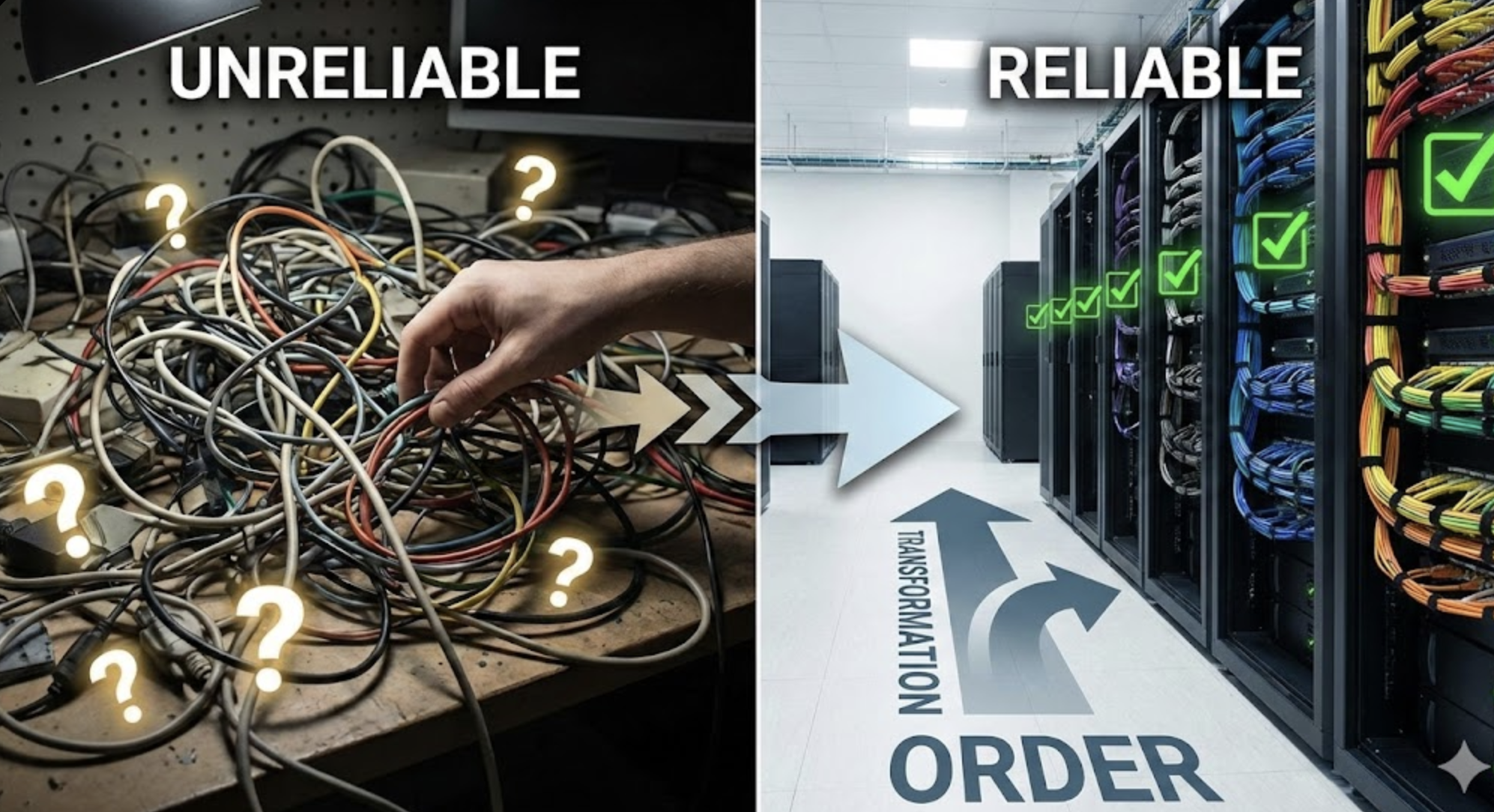
TL;DR: We’ve paused shipping new features to focus on reliability. This week we fixed issues causing agent runs to fail unexpectedly—data overload, tool clutter, connection errors, and inconsistent error reporting. Stability comes first.
We’ve been shipping fast. New agents, new sources, new capabilities—sometimes multiple updates per week.
But speed means nothing if your agents don’t run reliably. A feature that works “most of the time” isn’t a feature—it’s a liability.
So we’ve paused. This week, instead of building new things, we focused entirely on making the existing platform more stable. Here’s what we fixed.
What We Fixed
| Issue | Before | After |
|---|---|---|
| Data overload | Some tools returned too much data, causing runs to fail | Removed problematic tools until we rebuild them properly |
| Tool clutter | Agents saw every possible tool, even ones you can’t use | Agents only see tools for services you’ve actually connected |
| Connection errors | Sometimes you wouldn’t find out your connection expired until mid-run | You’re notified immediately if a connection needs refreshing |
| Error visibility | Some failures happened silently with no clear explanation | All errors are now captured and shown consistently |
Less Data, More Stability
One of our tools was returning massive amounts of data—far more than agents could handle in a single run. This caused some runs to fail unpredictably.
We’ve disabled this tool until we can rebuild it properly. Better to temporarily remove a feature than leave it causing random failures.
Agents See Only What They Need
Previously, every agent run showed all 50+ available tools—even tools for services you hadn’t connected. This was wasteful and confusing.
Now agents only see tools for services you’ve actually set up. If you’ve connected Google Analytics and Slack, your agent sees those tools—not tools for Shopify or LinkedIn that you haven’t configured.
Cleaner setup, more predictable behavior.
Connection Problems Surface Immediately
When a service connection expires (like when Google asks you to re-authorize), you need to know right away. Previously, you might not find out until your agent was mid-run and suddenly failed.
Now the system checks connections before your agent starts. If something needs attention, you’re notified immediately—not after a confusing failure.
All Errors, One Place
Some errors were slipping through without being logged properly. You’d see “agent failed” but not understand why.
We’ve unified how errors are captured. Every failure—whether it happens before the agent starts or during the run—gets logged the same way. When something breaks, you can see exactly where.
Why We’re Doing This Now
We could keep shipping new agents and features. But what’s the point of a Reddit Lead Monitor if your Slack connection silently fails? What good is a Content Delta Agent if the run crashes halfway through?
Reliability is the foundation. Without it, nothing else matters.
We’re not just fixing bugs—we’re optimizing how the platform runs. Smaller tool sets mean faster agent startup. Pre-flight checks catch problems before they waste your time. Unified logging means we can identify and fix issues faster.
This is the work that makes everything else possible.
What’s Next
We’ll keep this focus for a while longer. Shipping fast is easy. Shipping reliably is hard—and it’s what actually matters.
Coming up:
- Rebuilding the history feature — So agents can reference past runs without overloading
- Clearer error messages — More specific about what failed and how to fix it
- Better run visibility — So you can see exactly what your agent did and why
- Performance optimization — Faster agent startup, lower resource usage
If you hit issues, let us know. The fastest way to fix something is to know it’s broken.
Leave a Reply